What Is Process Mining? An Implementation Guide
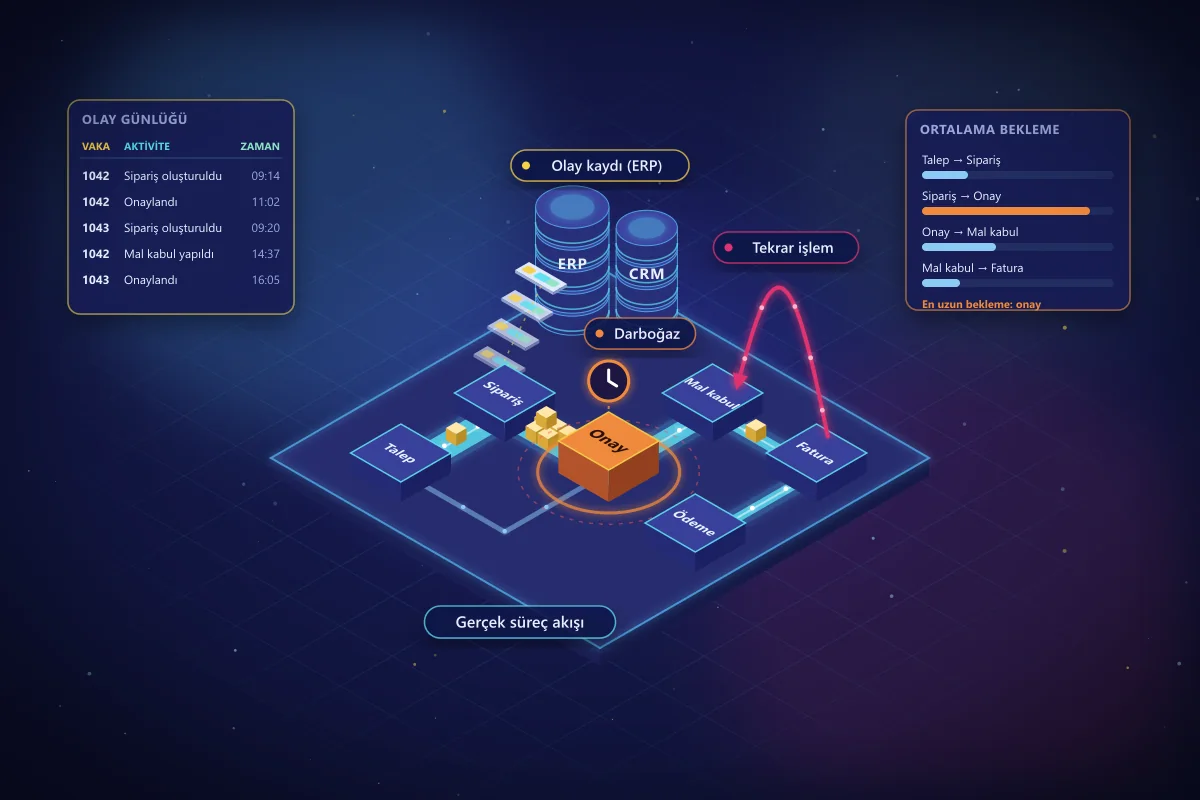
In most organizations, processes live in two forms: as drawn in the quality manual, and as they actually run on the ground. The gap between the two is usually an area no one fully understands. Why do purchase orders sometimes close in two days and sometimes in three weeks? How many invoices skip the approval step? Which customer orders get corrected over and over again?
Process mining answers these questions not through interviews or guesswork, but with the data that systems already record.
What Is Process Mining?
Process mining is an analytical method that automatically reconstructs the actual flow of business processes by analyzing the event logs recorded by enterprise systems such as ERP, CRM, and MES. The resulting process map shows how many times each step occurred, how much time passed between steps, and which different paths (variants) the process followed.
The method has three main uses:
- Process discovery: Deriving the real map of a process from data alone, without any predefined model.
- Conformance checking: Comparing the actual flow with the designed process to find deviations, such as invoices paid without approval.
- Enhancement: Enriching the process map with time, cost, and bottleneck information to prioritize improvement opportunities.
What Data Do You Need?
The greatest strength of process mining is that, in most organizations, the required data already exists. In an event log, three basic fields per row are enough:
- Case ID: The identifier of the work being tracked, such as an order, invoice, request, or production order number.
- Activity: The action performed on that case, such as "order created," "approved," or "goods received."
- Timestamp: When the action was performed.
Additional fields such as user, department, supplier, amount, and product group deepen the analysis; for example, they can show that delays are concentrated at a particular supplier or a particular approval level.
Step-by-Step Implementation
- Choose the process and the question. Instead of "the procurement process is slow," start with a measurable question such as "why is the time from order to goods receipt so variable?"
- Identify the data sources. Determine which tables and systems record the steps of the process. If there are multiple systems, clarify how the case ID is matched across them.
- Prepare the event log. Transform the data into a case–activity–timestamp structure. This step is usually the most labor-intensive part of the project; duplicate records, missing timestamps, and identical activities with different names are cleaned up.
- Discover the process. Generate the process map and its variants. Check what share of all cases the most common path covers.
- Analyze bottlenecks and deviations. Identify the transitions with the longest wait times, repeated steps (rework), and flows that do not conform to the design.
- Turn findings into action. Prioritize findings together with their root causes: a rule change, training, a system setting, or automation.
- Monitor continuously. Instead of a one-off analysis, connect the indicators to a regularly updated dashboard and measure the impact of improvements with the same data.
The Most Common Use Cases
- Procurement (Purchase-to-Pay): Invoices received before purchase orders, skipped approvals, repeated order changes, and missed early payment discounts.
- Order-to-Cash: Delivery delays, waiting on credit blocks, order corrections, and collection times.
- Production and planning: Waiting points for production orders, unplanned changes, and downtime caused by material shortages.
- Logistics and customs: The steps at which shipment and customs files are held up, and delays caused by missing documents.
- Customer service: How many times requests change hands between teams, and resolution times.
How Do Process Mining and RPA Work Together?
A common mistake in automation projects is to automate the task people complain about most. Yet the task with the most complaints may not be the one that creates the most value. Process mining shows with data which steps are repeated most often, take the most time, and are the most rule-based; RPA then automates those steps with software robots. After automation, the same process map is used to measure whether the robot has actually reduced cycle time.
Common Mistakes
- Starting without a question: A "let's look at all the processes" approach produces maps that are interesting but never turn into action.
- Underestimating data preparation: Mismatched case IDs or missing timestamps lead to wrong conclusions.
- Not involving process owners: The team that runs the process knows best what a deviation seen in the data means for the business.
- Leaving the analysis as a one-off: Processes change; without continuous monitoring, improvements erode over time.
Which Tools Are Used?
The market offers commercial platforms such as Celonis, UiPath Process Mining, and Microsoft Power Automate Process Mining, alongside open-source tools such as PM4Py and ProM. Tool selection should be based on the data sources, whether the analysis will be one-off or continuous, and the organization's existing technology investments. In most projects, success is determined not by the tool but by the right question and well-prepared data.
Conclusion
Process mining moves improvement and automation decisions from guesswork to data. An analysis that starts with the right question on a limited process quickly produces concrete findings. If you would like to see how your own processes actually flow, explore our process mining service.
Related service
Process Mining and Process Visibility
Latest Insights
 blueskydx
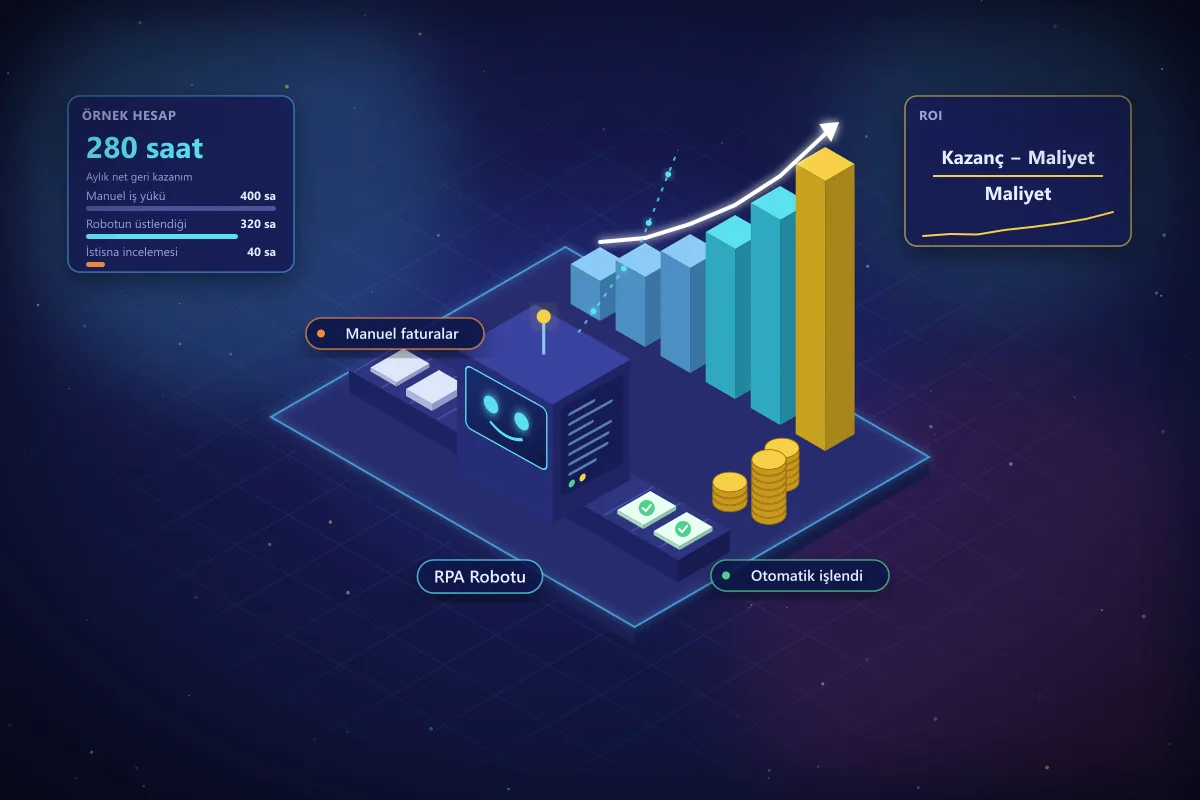
How to Calculate the ROI of an RPA Investment
Before starting an RPA project, how do you know which processes will actually pay off? A step-by-step ROI guide covering cost items, benefit items, a sample calculation, and common mistakes.
 blueskydx
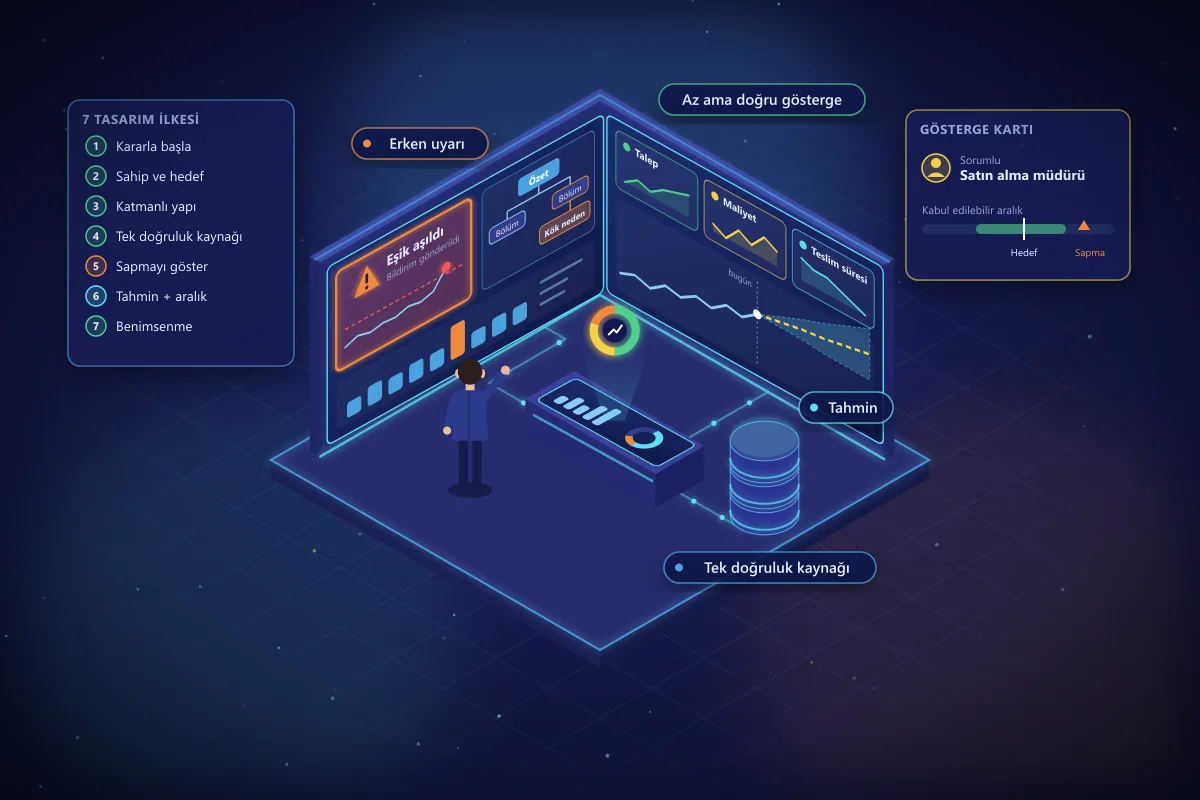
AI-Powered Management Dashboard Design: 7 Principles
Most management dashboards show a lot but drive few decisions. Seven design principles for an effective dashboard, from choosing the right indicators to early warnings, forecasting models, and user adoption.
 blueskydx
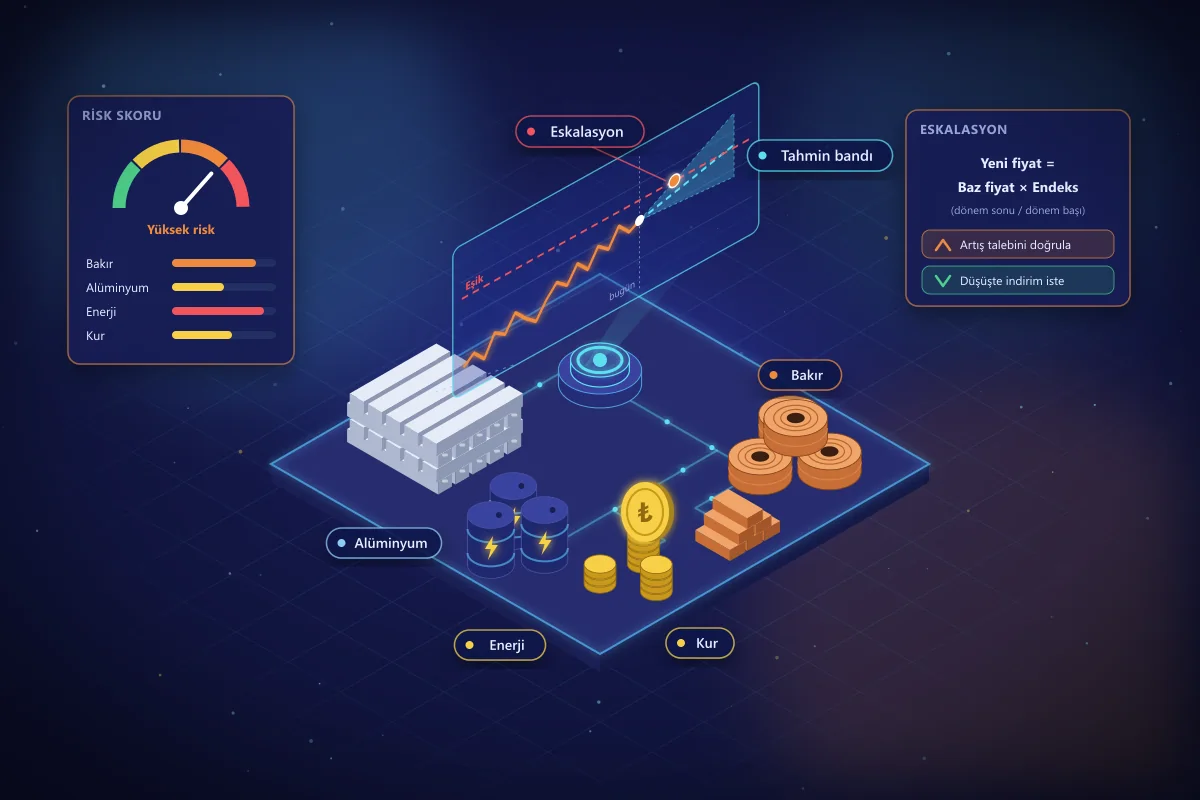
Commodity Price Risk: AI Forecasting and Escalation
Swings in copper, aluminum, energy, and exchange rates directly affect procurement costs. How to manage commodity risk with AI-powered price forecasting and escalation tracking.
