Customs Declaration Automation: Speeding Up With RPA
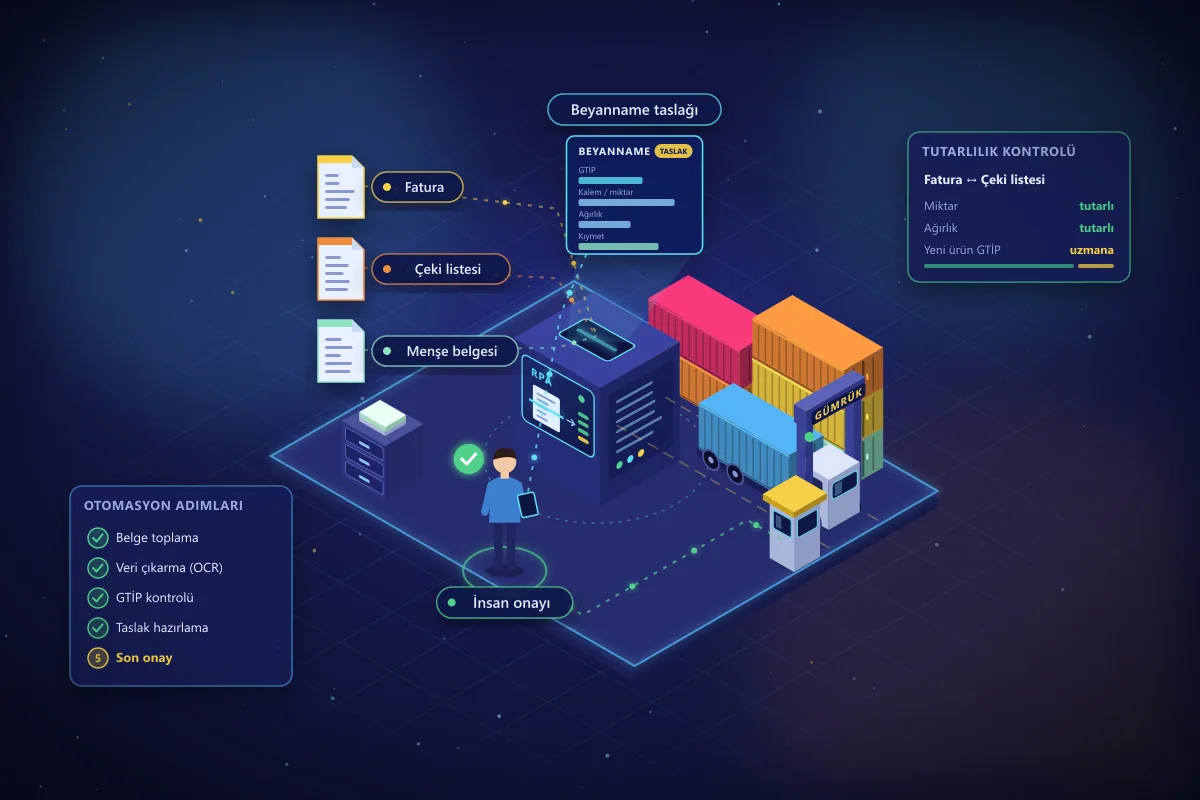
An import or export file passes through dozens of documents before it becomes a customs declaration: the commercial invoice, packing list, bill of lading or CMR, certificate of origin, insurance policy, and, where required, conformity and permit documents. Much of the information in these documents is read from one system and typed manually into another. As the number of files grows, the workload grows linearly, and so does the risk of error.
Robotic process automation (RPA) is a technology designed precisely for rule-based, repetitive workflows like these. In this article, we explain which steps of the customs process can be automated with RPA, where human control should be preserved, and how to launch an automation project.
Where Does the Time Go in Customs Processes?
A significant share of the time spent in customs operations goes not to decisions that require expertise, but to moving data. In a typical file, the team repeatedly performs the following tasks:
- Downloading documents received by email or through portals and adding them to the file,
- Entering line items, quantities, unit prices, and weights from the invoice into the customs brokerage software,
- Comparing the products' HS codes (GTİP, Turkey's customs tariff statistical position codes) against the customer's product master data,
- Checking the consistency of quantities and weights between the invoice and the packing list,
- Tracking the declaration status and keeping the customer and internal teams informed,
- Archiving and reporting on the completed file.
What these steps have in common is that their rules are clear, they work with digital inputs, and they are repeated at high volume. They are also the best candidates for RPA.
Steps That Can Be Automated With RPA
1. Document collection and classification
The software robot checks designated mailboxes and supplier portals at regular intervals, downloads incoming attachments, recognizes the document type (invoice, packing list, certificate of origin, etc.), and matches it to the correct file number. If a document is missing, it sends an automatic reminder to the relevant person.
2. Extracting data from documents
Classic RPA works with structured data, whereas PDF or scanned invoices are unstructured data. This is where intelligent document processing (IDP) comes in: OCR and AI models read the seller, buyer, line items, quantities, amounts, and currency from the invoice. Fields the model is unsure about are routed for human approval, so speed increases without losing control.
3. Consistency and HS code (GTİP) checks
The robot compares invoice totals with line item totals, and the quantities and weights on the invoice with those on the packing list. It checks product codes against the customer's previously approved HS code (GTİP) mapping table; if it finds a product that is not in the table or was classified differently before, it routes the file to a specialist. The classification decision itself stays with the specialist; the robot only catches deviations.
4. Preparing the draft declaration
The validated data is entered by the robot into the declaration screens of the customs brokerage software. Instead of entering data from scratch, the specialist reviews and approves the prepared draft. Most of the team's time shifts from data entry to review.
5. Status tracking, notifications, and archiving
Changes in the declaration status are monitored; for events such as inspection, missing documents, or closure, automatic notifications go to the customer and the operations team. Closed files are archived in a standard folder structure, and weekly and monthly reports are generated automatically.
What Should Remain Subject to Human Approval
Customs transactions carry legal liability. That is why a well-designed automation does not leave everything to the robot:
- Tariff classification: For new products and ambiguous cases, the HS code (GTİP) decision rests with the specialist.
- Exceptions in valuation and duty calculation: Unusual situations involving items such as freight, insurance, or discounts should be routed to a specialist.
- Regulatory changes: When the rules change, the robot's business rules must be updated as well; this maintenance process should be planned from the start.
- Final approval: The responsible person's approval should be retained before the declaration is registered.
The right design is one in which the robot prepares most routine files end to end and brings exceptions to the specialist along with the reasons.
How to Launch a Customs RPA Project
- Process analysis: Identify the monthly number of files, the time spent per file, the most frequent errors, and the document types. Process mining can be used at this stage to show the actual flow with data.
- Pilot scope: Select the highest-volume, most standardized file type (for example, a specific customer's regular imports) as the pilot.
- Defining the rules: Clarify consistency checks, threshold values, and exception routing rules together with the team.
- Development and parallel run: The robot runs in parallel with the team for a period; results are compared and the rules are fine-tuned.
- Rollout: Once the pilot meets its targets, extend it to other file types and customers.
How to Measure the Return on Investment
The calculation is simple: multiply the per-file time of the automated steps by the monthly number of files and the staff cost, then add the reduction in error and rework costs. On the other side, enter the robot's development, licensing, and maintenance costs. The key indicators to measure are processing time per file, first-time-right declaration rate, the share of exceptions routed to specialists, and file processing capacity per team.
In the customs automation project we delivered with this approach, processing time dropped by 65%, the error rate fell by 90%, and declaration processing capacity tripled.
Conclusion
In customs processes, RPA does not replace specialists; it frees them from data entry and lets them focus on decisions that truly require expertise. The keys to success are starting with the right process, designing for exceptions from the outset, and measuring results. If you would like to assess the automation potential of your customs operations, explore our RPA and intelligent automation service or get in touch with us.
Related service
RPA and Intelligent Automation Solutions
Latest Insights
 blueskydx
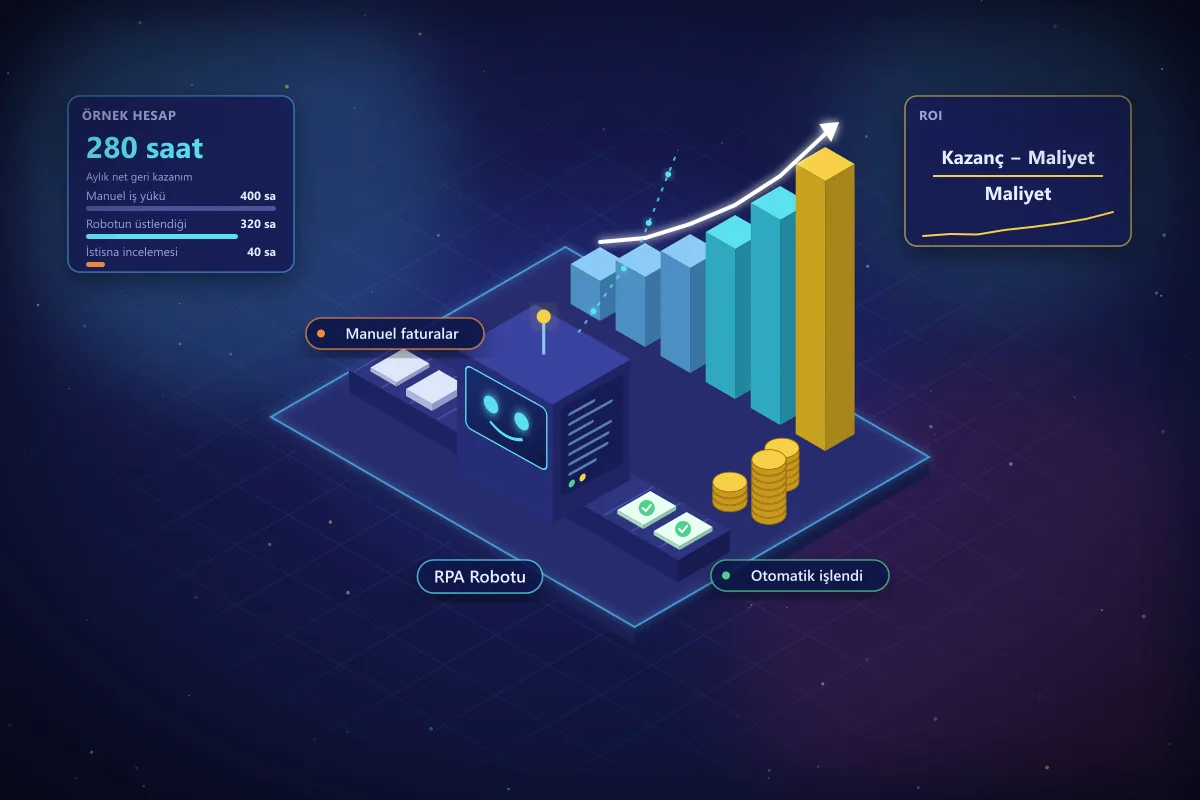
How to Calculate the ROI of an RPA Investment
Before starting an RPA project, how do you know which processes will actually pay off? A step-by-step ROI guide covering cost items, benefit items, a sample calculation, and common mistakes.
 blueskydx
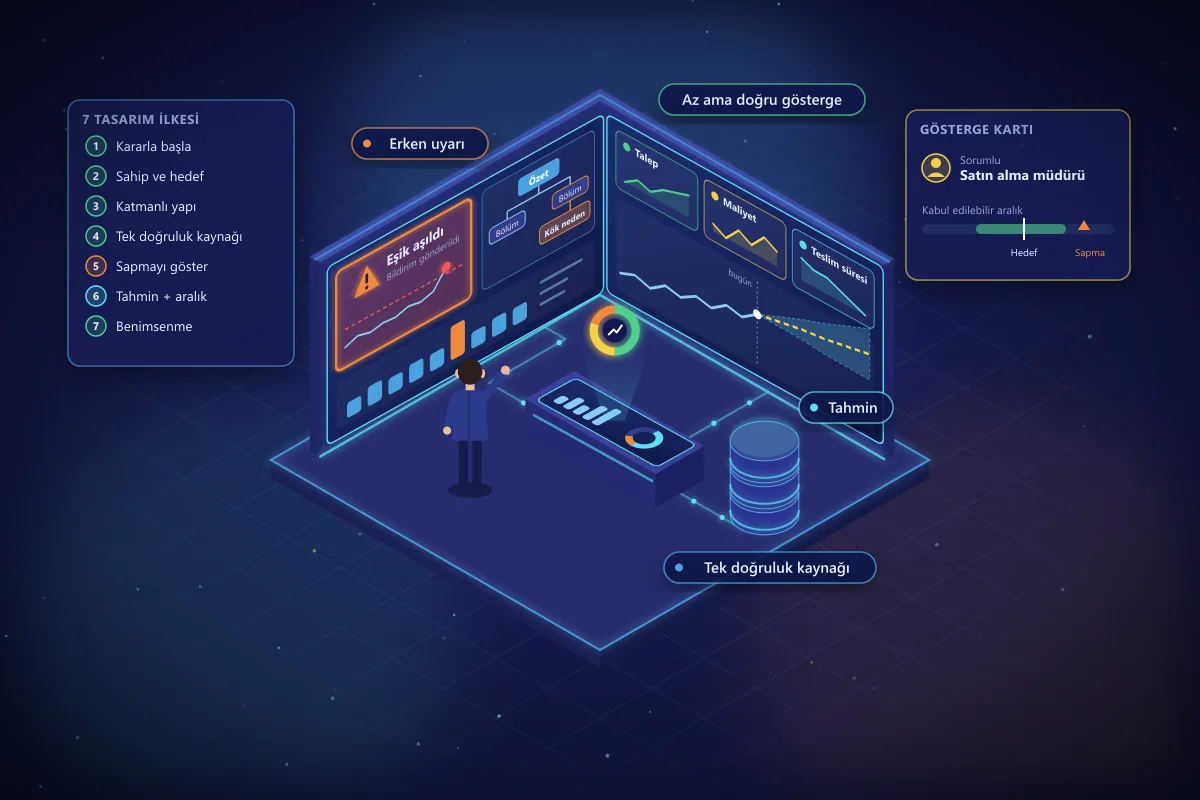
AI-Powered Management Dashboard Design: 7 Principles
Most management dashboards show a lot but drive few decisions. Seven design principles for an effective dashboard, from choosing the right indicators to early warnings, forecasting models, and user adoption.
 blueskydx
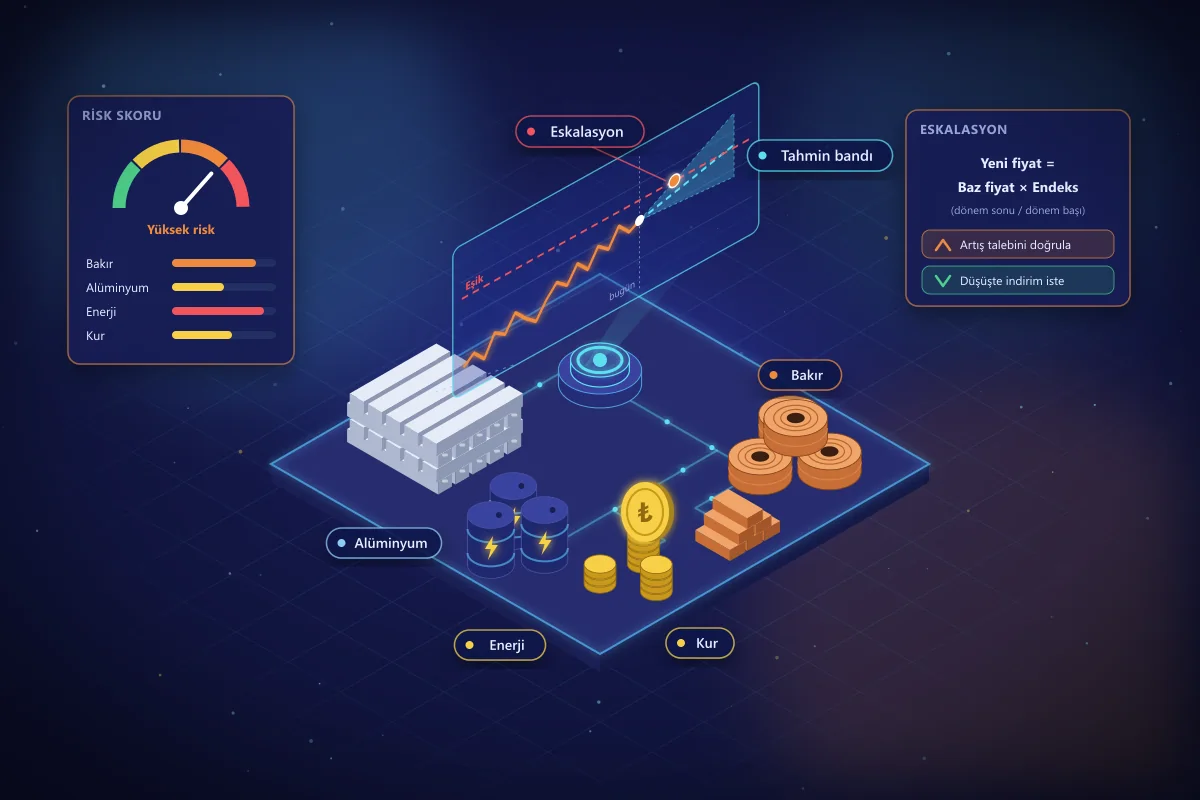
Commodity Price Risk: AI Forecasting and Escalation
Swings in copper, aluminum, energy, and exchange rates directly affect procurement costs. How to manage commodity risk with AI-powered price forecasting and escalation tracking.
